
Well, its been 6 months since I started my Peloton journey with my inexpensive Sunny bike and I could not be happier. I cannot say enough good things about the Peloton App.
I have lost weight, I am sleeping better than ever and I am much more energetic. The classes are interactive and communal but at the same time very intimate. Also, the instructors rock – they are very motivational, although I like some better than others.
I get a lot of email asking about how all the components of my “Peloton App Setup” are holding up so I thought I would post a review about some of the items that I recommended in my original post “My Peloton Bike Alternative; A Great Money Saving Hack.”
Here is what has worked well and what you can skip:
Sunny Spin Bike This bike takes a licking and keeps on ticking. It has had a LOT of use between me and my husband and it is as good today as it was when we first assembled it. It is sturdy, easy to use and for what it’s worth – it looks great. We both exercise 3 or 4 days a week and take either 30 minute or 45-minute classes and haven’t had any issues. Some people have reported an occasional squeaking noise but it hasn’t been an issue for us. The only maintenance we have had to do was to tighten a couple of bolts but that is to be expected.
There are many varieties of bikes out there (cheaper alternatives and more expensive, too) but for the budget-conscious like us this one had everything we needed and we have not been disappointed. We assembled it ourselves (it was fairly easy to do) but some choose to use Amazon Home Services to have it assembled for them. This especially makes sense if you have a lot of stairs.
VIDEO: Here I am in action on my Sunny spin bike (not sure why its on the right side all of a sudden!).
Peloton Digital App The Peloton app just keeps getting better with age. Literally, every day it gets better as they record and archive all the daily workouts for the on-demand selection. I absolutely LOVE the variety of classes. As mentioned in my earlier Peloton review blog, the monthly Peloton subscription fee is $12.99 and it is worth every penny. There is a two-week free trial and you can cancel at any time. From the Peloton app, I can now choose from over 10,000 pre-recorded classes or access 20 live daily classes (it was around 3,500 when I first started). What I love is being able to filter the class selection. I can select spinning classes by:
- Length: 10, 15, 20, 30, 45, 60, 75, 90 and 120 minute classes.
- Type: Beginner, Low Impact, Ryhtym, Live DJ, Theme, Metrics, Climb, Intervals, Heart Rate Zone, Power Zone, and Pro Cyclist.
- Music Genre: Alternative, Classic Rock, Country, Electronic, Hip Hop, Indie, Pop, R&B and Rock.
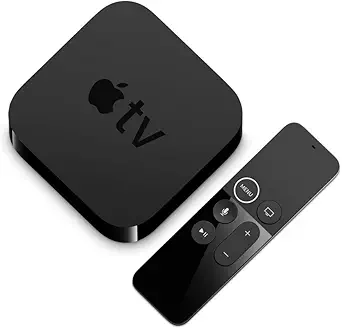
I can choose from 25 different cycle instructors. My favorite instructor is Emma Lovewell (for 6 months strong) although Jess King is growing on me, too. It is all very well done. I stream the classes directly to my big screen by streaming from my iPad to my TV via a little Apple TV box.
UPDATE 1: The Peloton Digital App now includes a lot more than Cycling. There is Bootcamp, Yoga, Strength, Stretch, Outdoor, Toning, Meditation and Running. The running classes are associated with the new Peloton treadmill and the Bootcamp classes are both on and off the treadmill.
UPDATE 2. Another exciting update is that Peloton is now also available in Canada and in the United Kingdom! Welcome to the Peloton community, England and Canada!
We just had a mirror installed in the home gym and we are pretty excited about it! It helps to see our form.
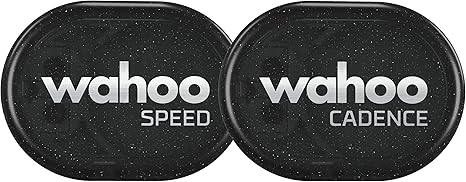
Wahoo Speed & Cadence Sensor. I have both the speed and cadence sensors attached to my bike. What I have determined is that you only really need the cadence sensor. The speed sensor is a “nice to have” but I have no way of knowing if it is accurate (am I really biking 21 MPH?) and it does not really factor into my workouts. Save a few bucks and buy just the standalone cadence sensor.
Update 3: Here are some additional ways to display and view your metrics: Streaming and Mirroring
A reader asked that I post pictures of where I placed the Speed & Cadence sensors.
Here is a picture of the Wahoo Speed Sensor on the front wheel:
Here is a picture of the Wahoo cadence sensor attached to the inside of the pedal:
Wahoo Fitness App. This free app is great. It reports my cadence, heart rate, speed, workout time and workout distance. It works perfect and keeps a record of all my workouts (although I tend not to look at the history too often). I once had an issue with my speed sensor connecting to the app but that was just a battery. Also, I like that I can automatically upload my results to the MyFitnessPal app where I track my calories, weight, etc. Wahoo: If you are listening, a “Personal Best” feature of some sort would be nice in the future.
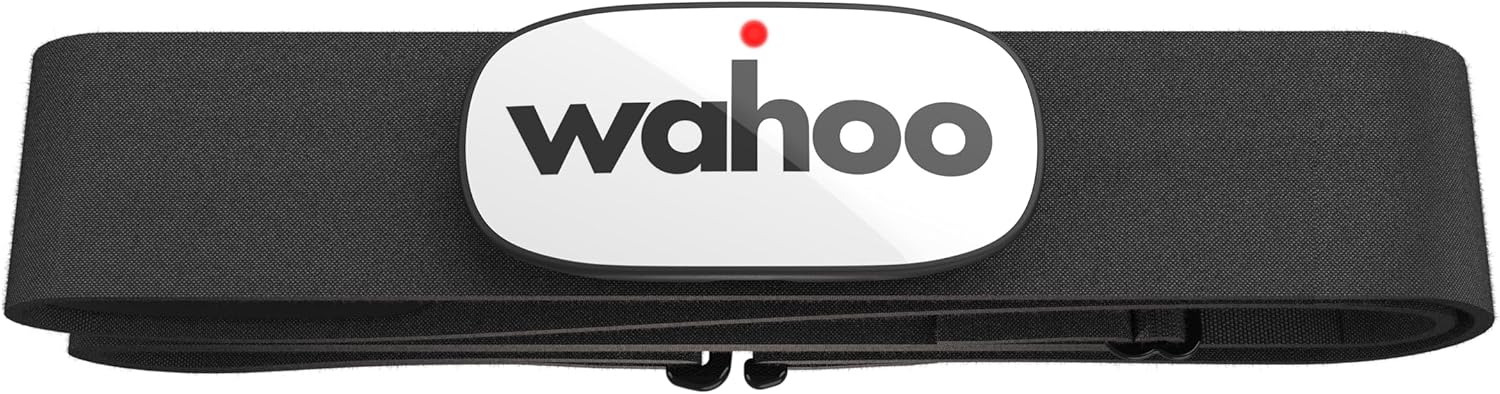
Wahoo Heart Rate Monitor. This helps me keep track of my calories burned. (As silly as it sounds, I don’t really use it to monitor my heart rate – I just use it to track my calories). Over the winter I have had an issue with it not activating until about 5 minutes into my workout which was super annoying. Wahoo customer service was very helpful and their suggestion worked – here was their response:
“I’m sorry for the troubles. We see irregular data or erratic readings like this most often due to dry skin or wearing a dry-fit/tech t-shirt. These shirts can cause additional static electricity which results in odd readings. You can use an antistatic agent or what might be simpler would be to test this without one of these shirts on to see if you’re getting these odd readings.
Also, you’ll want to make sure the strap is wet as this will help the connection and prevent odd readings. Saliva or an electrode gel typically work best, so please make sure you get the strap wet before putting it on.”
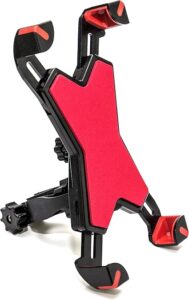
Max Miles Phone Holder. It does its job and holds my phone so that I can see my cadence, heat rate, minutes, etc. It is really easy to attach and adjust when necessary. No complaints. You only need this if you are streaming to a TV like me. If you are using your iPad, cadence, HR, etc. are now right on the screen.
Seat Cushion. A must. I have never met a spin bike seat that was comfortable. We have two cushions (Him & Hers) for hygiene reasons. I find that it makes a difference for those parts of the classes where you are not out of the seat.
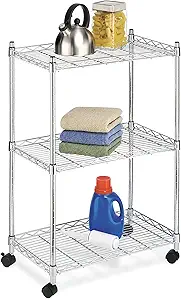
The Cart. I feel silly mentioning it but the cart is alive and well. It holds my iPad, some 3 and 5 pound weights, paper towels, the extra seat cushion, and the TV remote. I do love that it is on wheels. We found it takes up less space if we move it to the front!
Disinfectant Wipes! Just like at the gym, its a good idea to disinfect the bike occasionally. Plus, the seat starts to smell after a few months. These are great (and the ad says that they are “great for cycle bikes”).
A couple of months ago I had a great time being interviewed by the ABC News “7 on Your Side Team” in New York about using the Peloton app without the bike – they called it my “Peloton hack.” It was loads of fun. Here is a link to the interview.
Even my kids are even getting into the action:
Maybe next I will review the Peloton treadmill (the “Peloton Tread“) but only if I find a less expensive treadmill…
Last Words of Advice
For those of you that are on the fence about spending the money on the Peloton spin bike, think about taking 200 rides or so on a cheaper bike. If you make it to 200 rides and still feel the burning desire for a Peloton, then go for it. But, if your spin bike has turned into a clothes hanger, well there is your answer…
Drop me a note if you have any questions.
Happy Spinning!
Disclaimer: This blog is a participant in the Amazon Services LLC Associates Program, an affiliate advertising program designed to provide a means for me to earn fees by linking to Amazon.com and affiliated sites.
Read More @ FitnessGeek.ai
- My 12 Month Peloton App Review; Using the App with My Peloton Alternative
- AI for Mental Health: How Artificial Intelligence is Transforming Care & Support
- AI-Powered Mindfulness: 5 Smart Tools to Boost Mental Health and Fitness
- How AI Can Help College Students Stay Fit and Mentally Strong
- AI for Mental Health: Smarter Tools for Stress, Anxiety & Emotional Wellbeing