

I get a lot of email asking about the Wahoo cadence and speed sensors that I mentioned in my earlier “Peloton on a Budget” blog post so I thought I would write a post dedicated to all things Wahoo.
When taking a Peloton class, knowing your cadence number is a must. While riding, Peloton instructors shout out how fast you should be pedaling – this is what is known as your “cadence.” The actual Peloton bike and other bikes like the Keiser M3i display your cadence. For everyone out there using the Peloton App with a budget friendly bike (like me), you need to get a cadence sensor. But with so many on the market, its difficult to know what to buy.

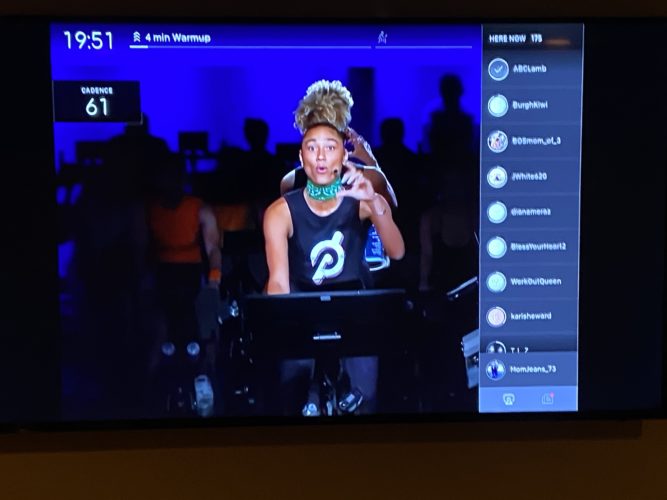
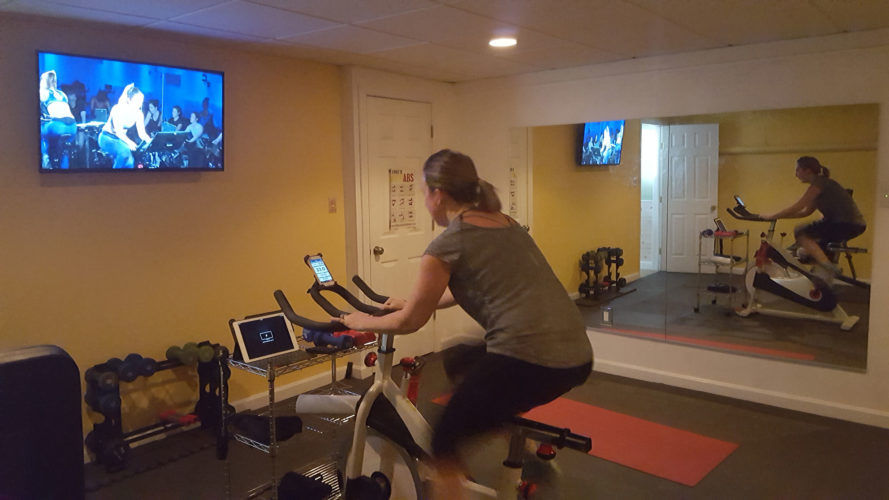
A recent upgrade to the Peloton app allows riders to display their cadence and heart rate directly to the tablet instead of needing to use the Wahoo app. (I’ve included pictures below). This is great but if you are streaming classes from the tablet to a TV like me the cadence and heart rate do not display on the TV. So, long story short, the upgrade doesn’t change our set up -we continue to use the Wahoo app. We bought a MaxMiles mobile phone holder and attached it to the bike’s handlebars for ease of visibility.
You may have noticed that I said cadence is essential. I do not feel the same way about the speed sensor. I would categorize it as a “nice to have” so that you can measure your distance and so that all the fields are showing in the Wahoo app (there is no “N/A” displayed under Speed). So if you want to save a few bucks, you can buy just the Wahoo cadence sensor without the speed sensor for a little bit cheaper.
Here is what the Wahoo app and sensors look like: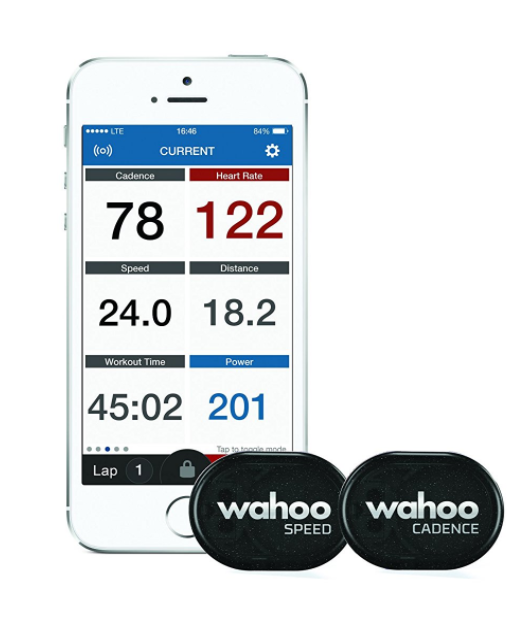
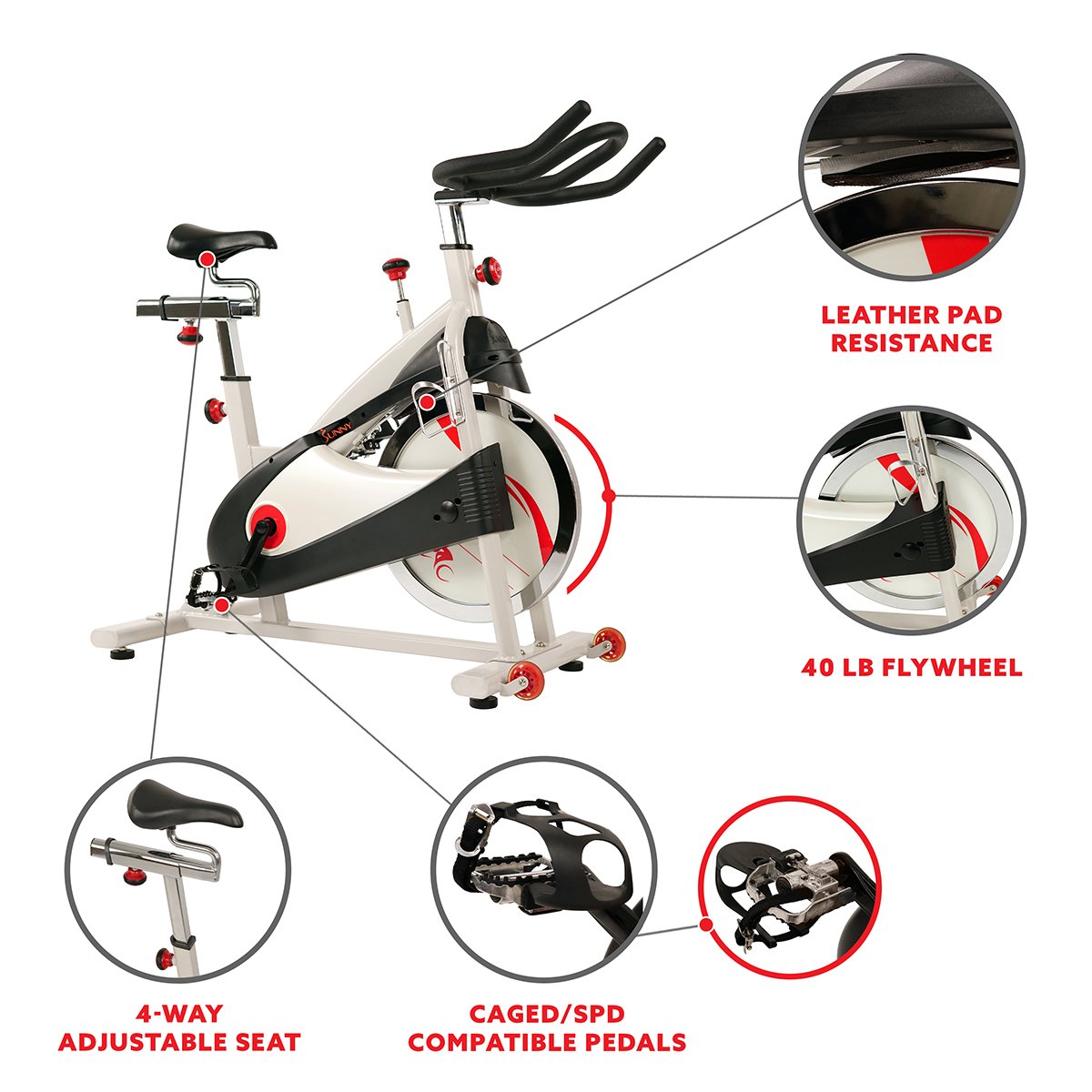
And here is the MaxMiles mobile phone holder: 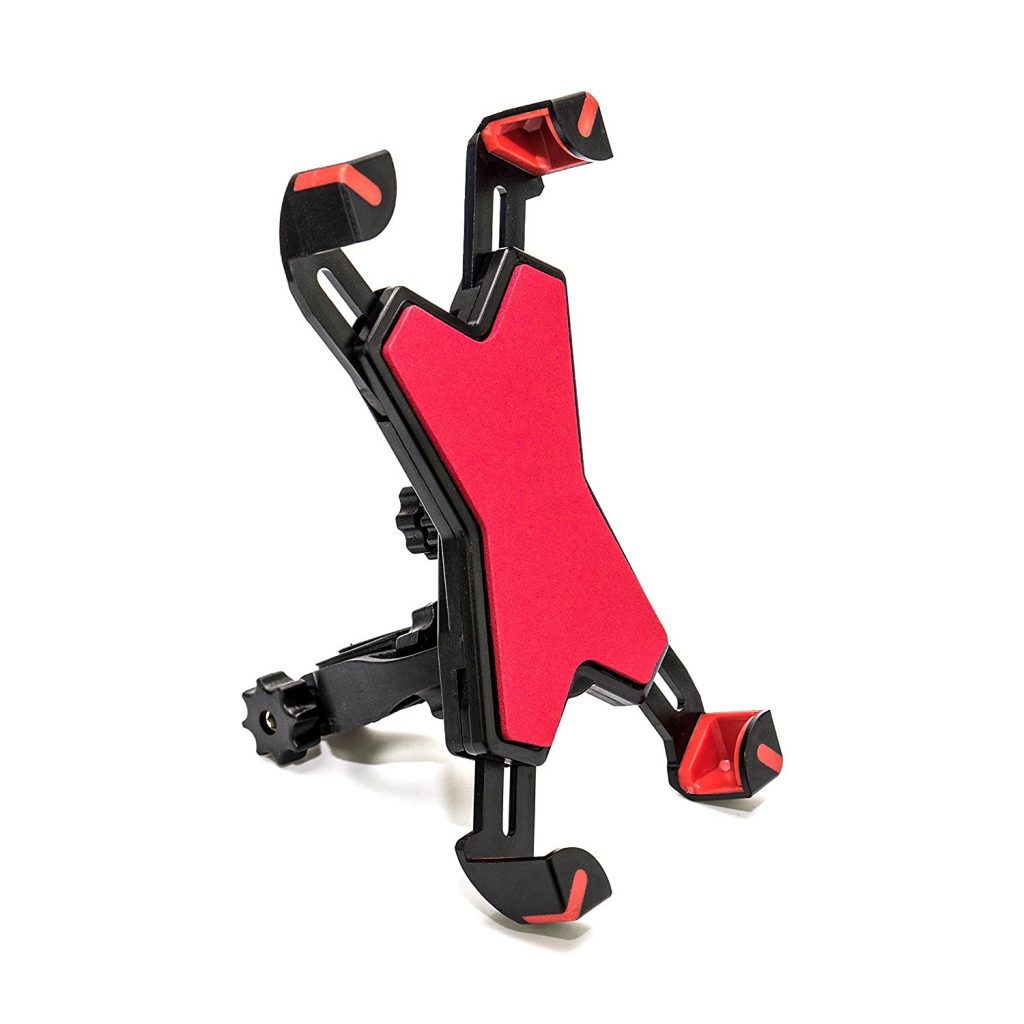 Here is the Wahoo App in our MaxMiles phone holder attached to our Sunny bike. So that you can get a feel for it, here is what it is showing: Cadence 57, Heart Rate 114, Speed 15.6 mph; Workout Time 48.01 and Workout Distance 16.62.
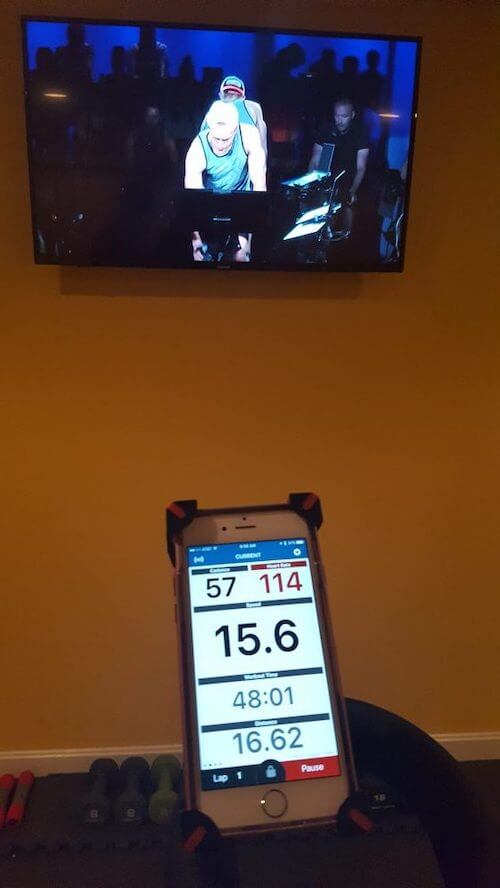
Metrics Displayed on Screen
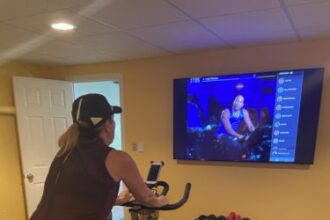
Now here is a picture of what the heart rate and cadence look like if you are mirroring from your device to take the classes. This is awesome and I just wish that when you stream to the TV that it would also show on the TV.
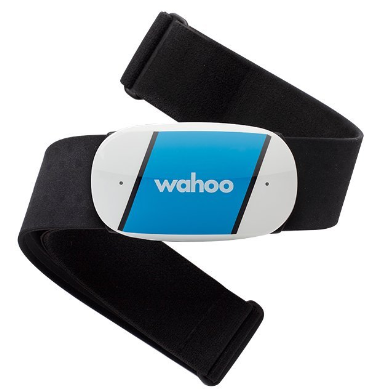
 We also bought a Wahoo heart rate monitor. This is needed to measure how many calories you are burning (and to monitor your heart rate, of course…). It has worked just fine although a few months ago we had an issue with the monitor not activating until a few minutes into the workout. Super annoying. We reached out to Wahoo and they told us to spit on it. Well, not exactly – here was their response:
“I’m sorry for the troubles. We see irregular data or erratic readings like this most often due to dry skin or wearing a dry-fit/tech t-shirt. These shirts can cause additional static electricity which results in odd readings. You can use an antistatic agent or what might be simpler would be to test this without one of these shirts on to see if you’re getting these odd readings.
Also, you’ll want to make sure the strap is wet as this will help the connection and prevent odd readings. Saliva or an electrode gel typically work best, so please make sure you get the strap wet before putting it on.”
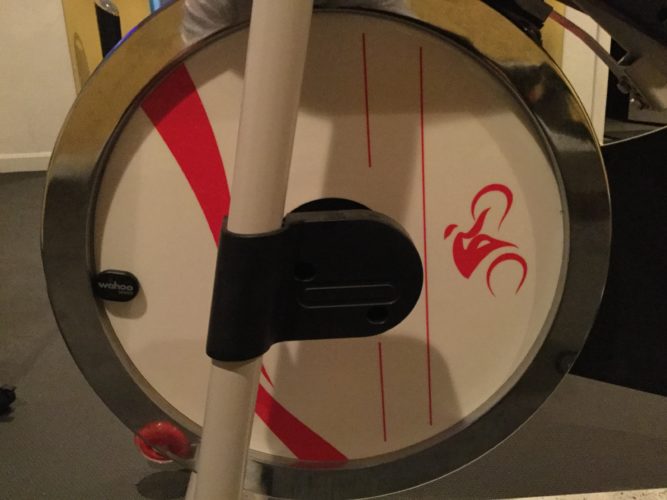
Here is a picture of the cadence sensor on the pedal of the bike (look closely).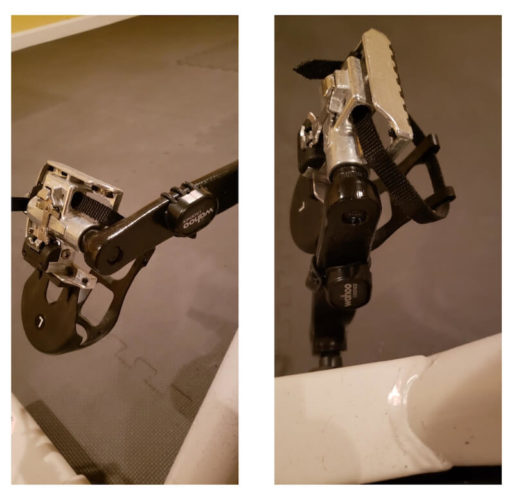 Here is a picture of the speed sensor on the wheel.
Overall, we are very happy with all of the Wahoo devices – the cadence and speed sensors, the heart rate monitor and their app. Easy to set up, easy to use.
Leave a comment or send me an email if you have any questions.
Happy Spinning!
Beth
P.S. I just bought this sound activated disco ball and its fantastic!
Disclaimer: My Sipping & Shopping blog is a participant in the Amazon Services LLC Associates Program, an affiliate advertising program designed to provide a means for me to earn fees by linking to Amazon.com and affiliated sites.